AI Image Editor — Edit & Transform Images
Upload any image and transform it with AI-powered editing. Describe the changes you want and let SkyReels AI generate the edited result using the world's best image models.
AI IMAGE EDITOR
Edit Images with Natural Language
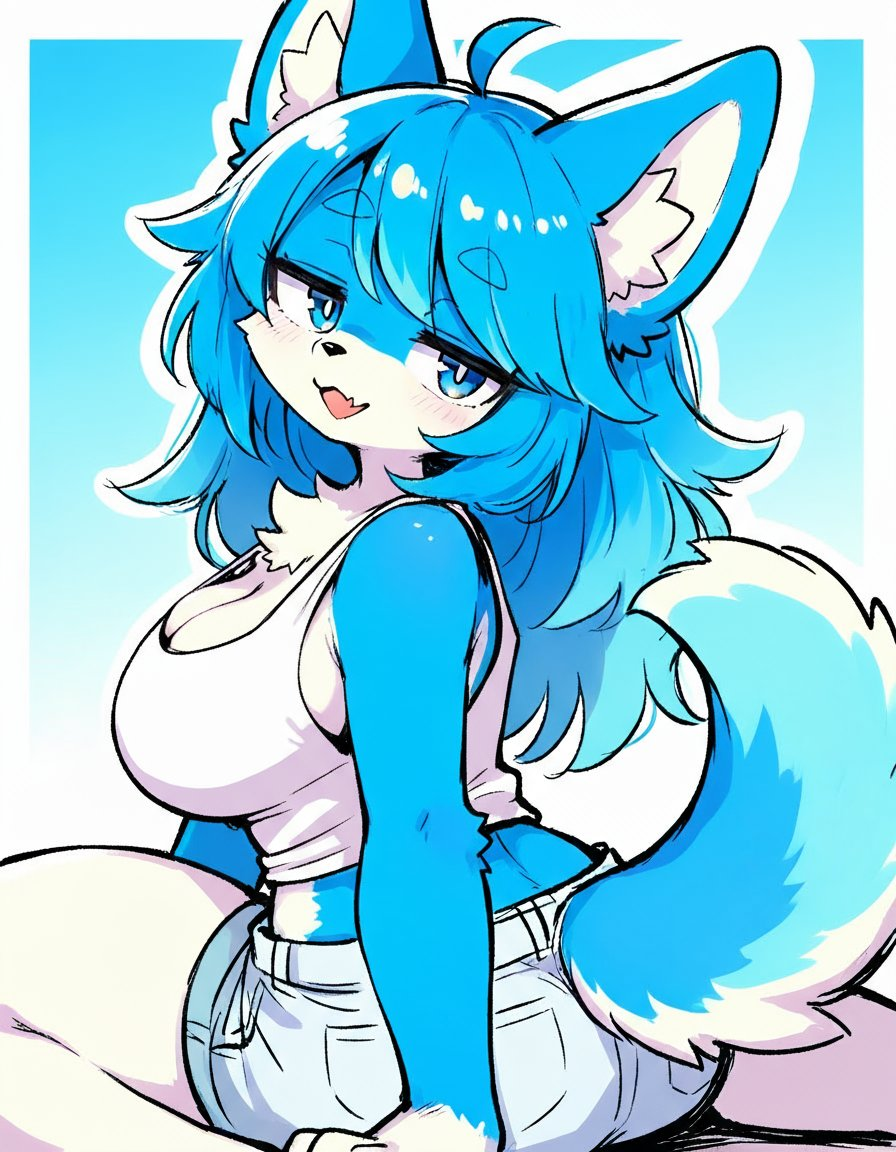
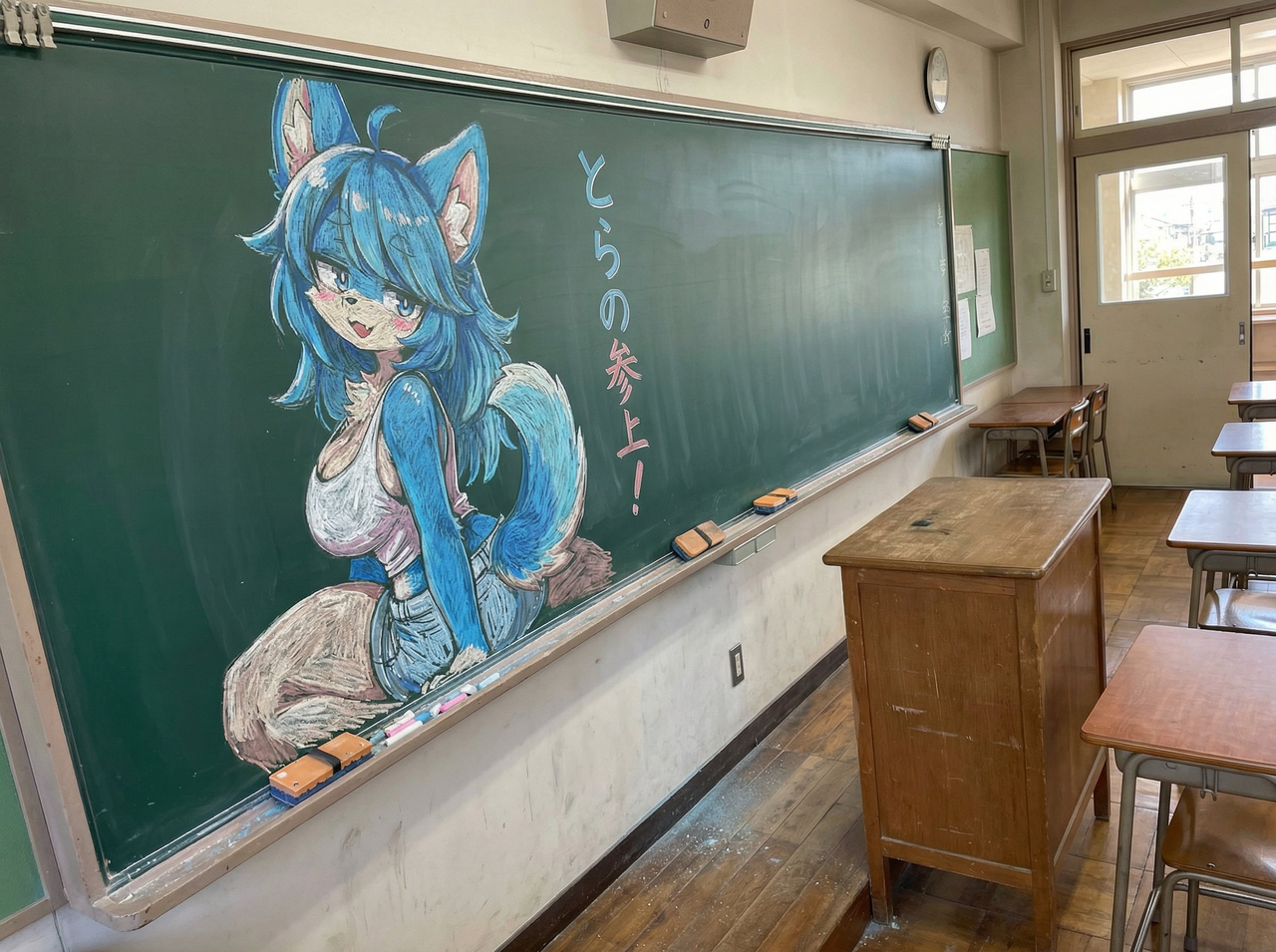
Upload a photo, describe how you want it changed, and SkyReels AI will generate the edited image. Change styles, backgrounds, lighting, colors, and more.
AI IMAGE EDITOR
How to Use the AI Image Editor?
Edit and transform your images with AI in three simple steps:
Upload Your Image
Upload the image you want to edit. Supports JPG, PNG, and WEBP formats up to 10MB.
Describe Your Edits
Write a prompt describing the changes you want — style, background, colors, lighting, or any creative transformation.
Generate & Download
Click generate and receive your AI-edited image in seconds. Download in high resolution and use it anywhere.
Everything you need to know about the AI Image Editor
Frequently Asked Questions
What is an AI Image Editor?
An AI image editor uses artificial intelligence to transform and edit photos based on text prompts. Upload any image and describe the changes you want — SkyReels AI will generate the edited result.
What kinds of edits can I make?
You can change backgrounds, styles, colors, lighting, add or remove objects, apply artistic styles, adjust compositions, and more — all by describing the changes in natural language.
Which AI models are used for image editing?
SkyReels uses top models including FLUX 2 Pro, GPT Image 1.5, Nano Banana Pro, Seedream 5 Lite, and Z Image — each with different strengths for different editing tasks.
What image formats are supported?
We support JPG, PNG, and WEBP formats up to 10MB. For best results, use clear, well-lit images with good resolution.
How is this different from Text to Image?
Text to Image generates images from scratch using only a prompt. AI Image Editor starts with your uploaded image and transforms it based on your description, preserving the original composition and subject.
Can I use AI-edited images commercially?
Yes, on paid plans you receive full commercial rights to all generated images with no watermarks. Perfect for marketing, design projects, and content creation.
Ready to Transform Your Images with AI?
Join thousands of creators using SkyReels AI Image Editor to edit and transform their photos. Start editing for free today.