
SkyReels AI — #1 Image to Video Platform
Transform any image into stunning videos with SkyReels AI — the leading image to video solution powered by SkyReels V4. Access 6+ industry-leading AI models (Veo 3.1, Sora 2, Kling AI, Wan AI) in one unified platform. No more switching between tools — create professional content effortlessly.
AI IMAGE TO VIDEO GENERATOR
Transform Images into Dynamic Videos
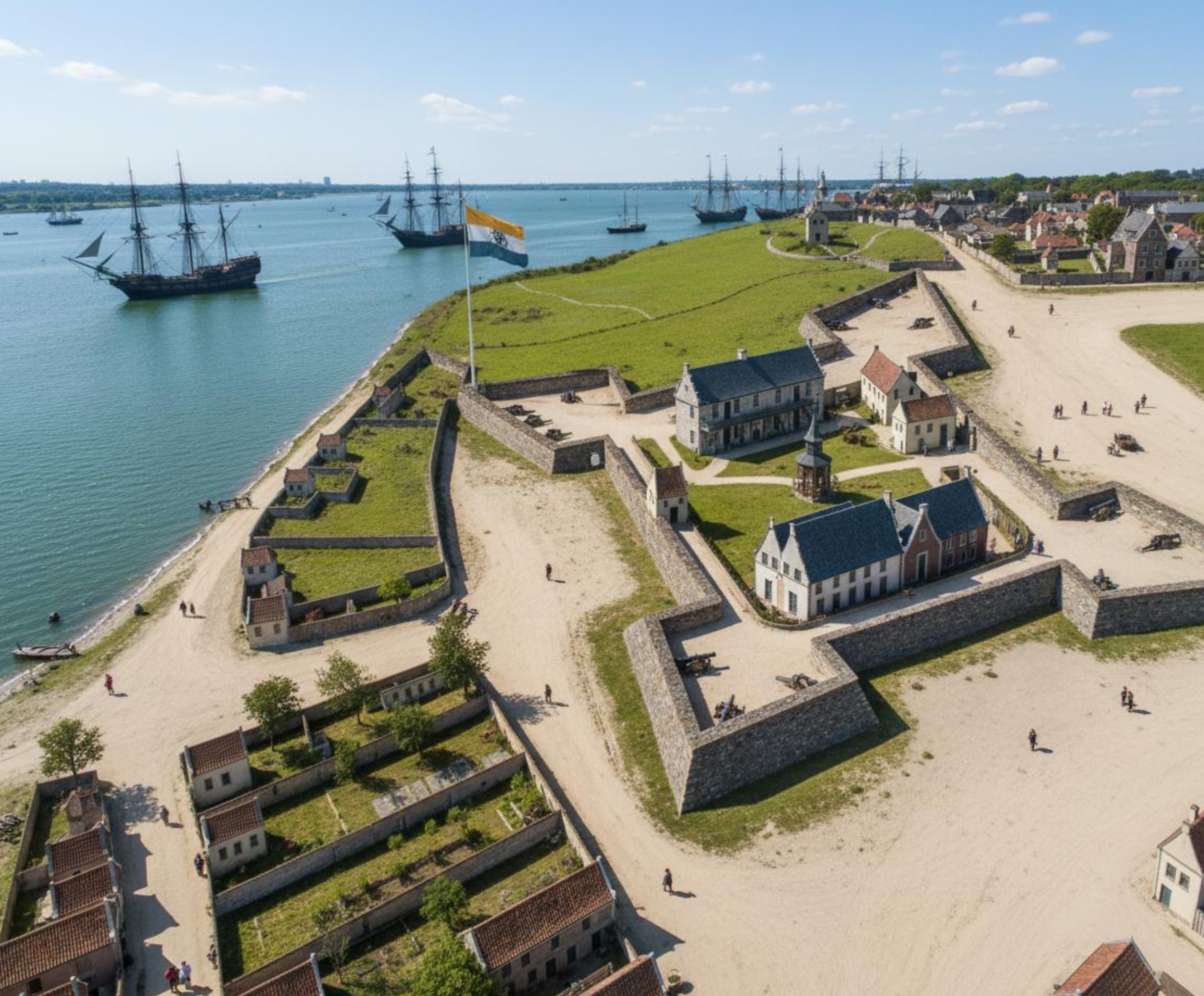
Animate your images with SkyReels AI. Turn any image into a vivid story — generate creative videos from your uploaded photos quickly and effortlessly.
AI IMAGE TO VIDEO GENERATOR
How to Use AI Image to Video Generator?
Transform your images into stunning videos with our powerful AI. Follow these simple steps to bring your photos to life:
Upload Your Image
Select or upload the image you want to transform. We support JPG, PNG, and WEBP formats with a minimum resolution of 300px.
Add Your Creative Prompt
Describe how you want your image to come alive — motion details, camera movements, or specific actions you envision.
Select Model & Generate
Choose from 6+ AI models including Veo 3.1, Sora 2, Kling AI. Set aspect ratio and duration, then generate your video.
Everything you need to know about SkyReels AI Image to Video
Frequently Asked Questions
What is SkyReels AI Image to Video?
SkyReels AI image to video is the core feature of skyreels.co — it uses advanced AI to animate any static image into a dynamic video with realistic motion. Powered by SkyReels V4, it delivers cinematic results from a single photo.
Which AI models are available for image to video generation?
SkyReels offers 6+ models including Google Veo 3.1, OpenAI Sora 2, Kling AI, Wan AI, and Seedance. Each has different strengths — Veo 3.1 excels at cinematic quality while Kling AI is great for stylized animations.
What image formats and sizes are supported?
We support JPG, PNG, and WEBP formats. Images must be at least 300px in the smallest dimension. For best results, use high-resolution images (1080px or higher) with good lighting.
How long does it take to generate a video from an image?
Most videos take 1–5 minutes. Faster models like Veo 3.1 Fast produce results in under 2 minutes, while higher-quality models may take a bit longer.
Can I control how the image animates?
Yes! Guide the animation using text prompts — describe the motion, camera angle, speed, and style you want. You can also set aspect ratio, duration, and choose different AI models.
What can I use AI-generated videos for?
AI-generated videos are great for social media, marketing, product demos, storytelling, art projects, and more. Download the generated MP4 videos and use them anywhere.
Try SkyReels AI Image to Video — Free
Join thousands of creators using SkyReels AI to transform images into cinematic videos. Powered by SkyReels V4 — access 6+ AI models in one platform and bring your images to life today.